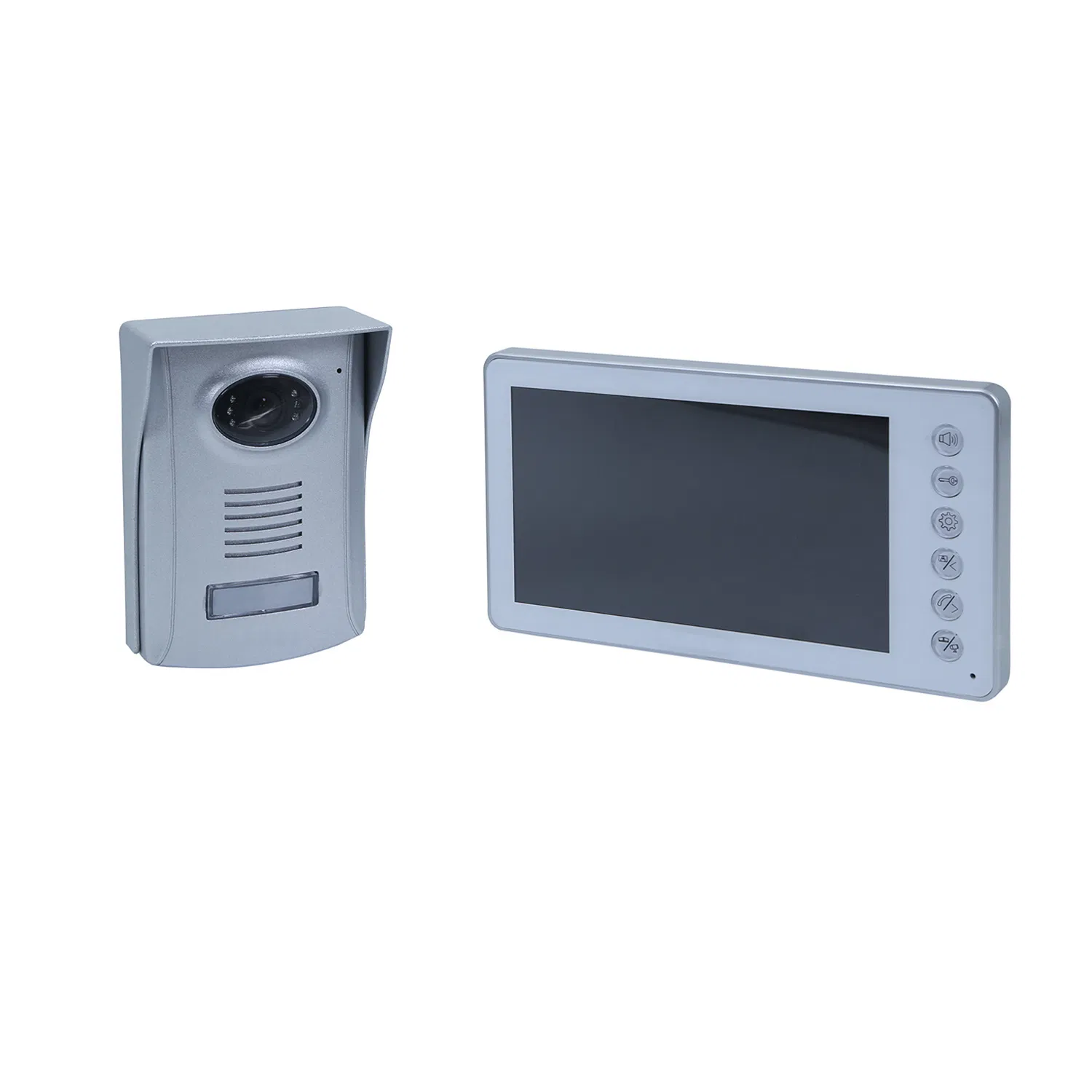
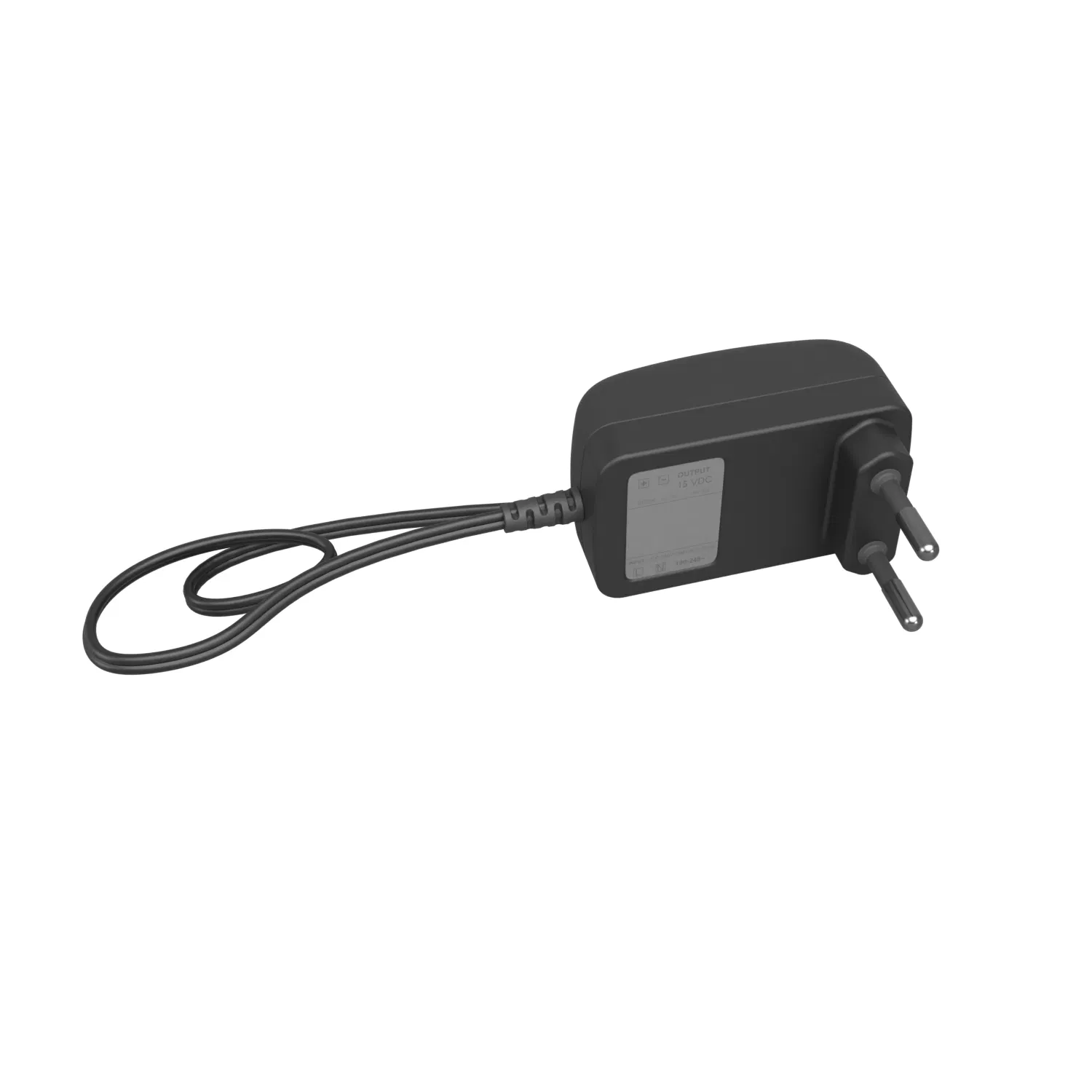
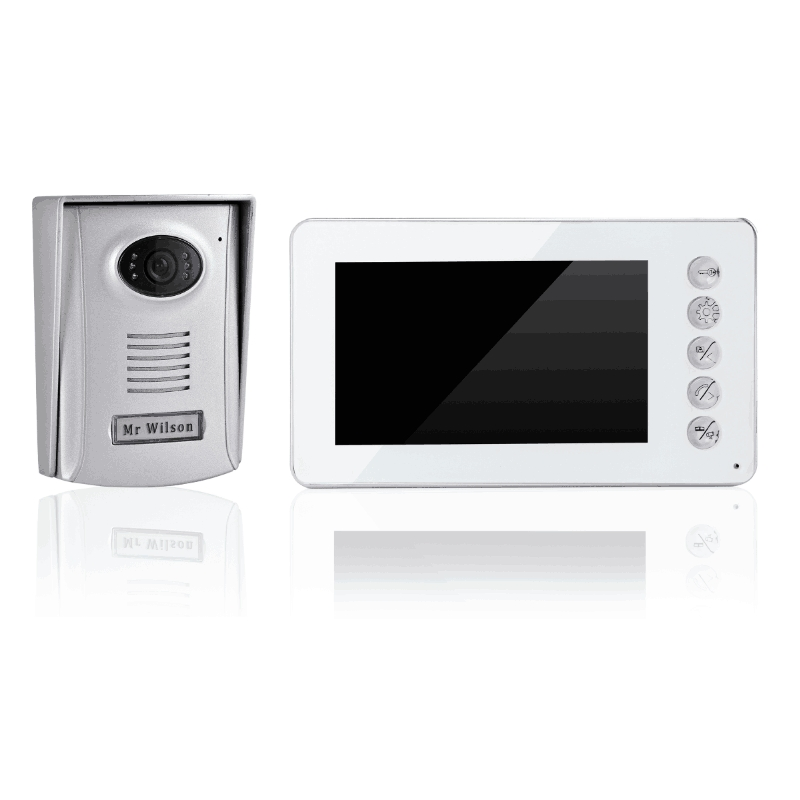
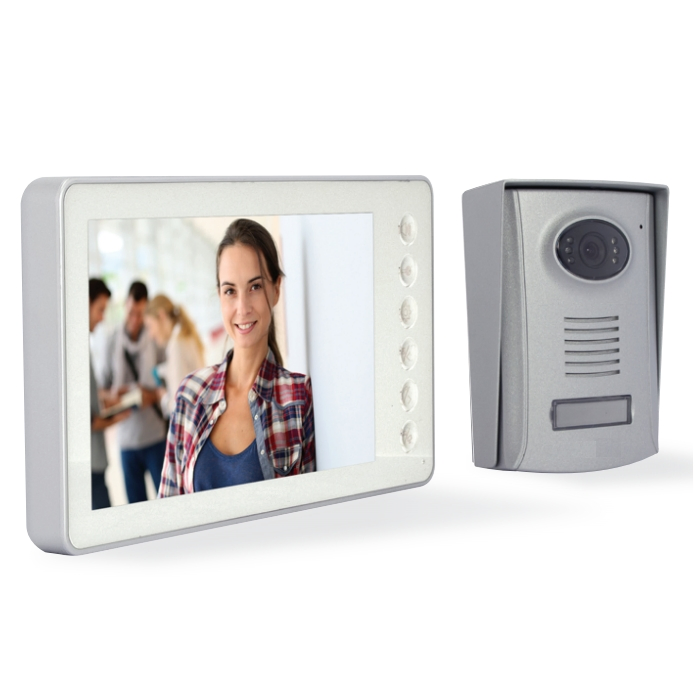
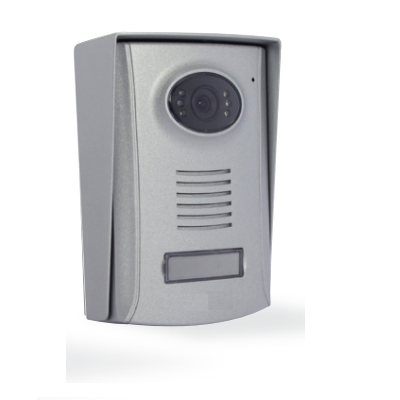
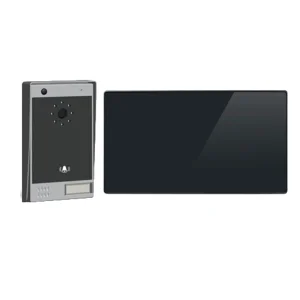
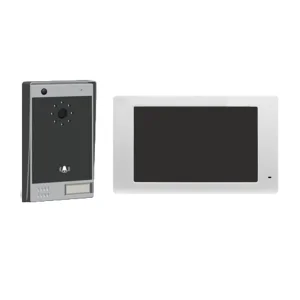
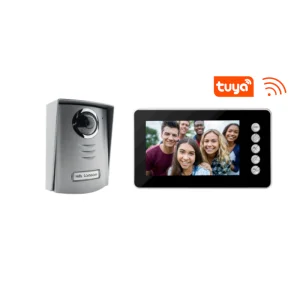
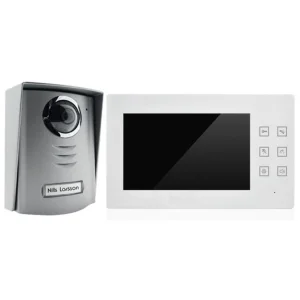
Classic 7inch LCD Screen, Hot Sell in DIY Market, Connect with IP Box, Support Samrtphone Control Video Doorphone

Customization: Available
Night Vision: With Night Vision
Type: Wired

Product Description

📋 Basic Specifications
Model NO.
IP-W013
Color
White
Voice Service
Without Voice Service
Installation
Wall-Mounted
Certification
RoHS, CE
APP
Tuya
SD Card
128g
Picture/Video
Yes
Touch Screen
Yes
Transport Package
Carton
Trademark
OEM
Origin
China
Production Capacity
100,000 PCS Per Year
🔍 Product at a Glance

IP BOX WIFI BOX SUPPORT ALL TWO RANGE VDP WIFI VIDEO DOORPHONE.
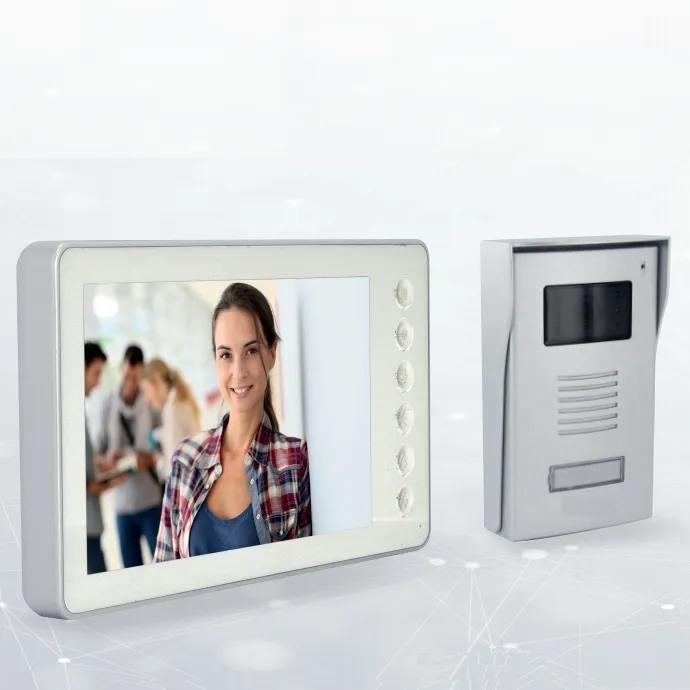
Smart Video Doorphone Control
1) Calling System

1.1 Under standby mode, tapping "Call" on the Outdoor Unit triggers all indoor units to ring continuously. Screens will light up, displaying the visitor's image instantly.

1.2 If there is no answer during calling mode, the call will automatically hang up after 60 seconds.

1.3 Tapping "Answer" on any indoor unit stops the ring and initiates a 120-second two-way intercom. To end early, simply tap "Home".

2) Monitoring Function

2.1 In standby, tap "Monitor" then "Answer" to start a two-way intercom between units.

2.2 Tapping "Monitor" alone allows you to see the outdoor image with one-way audio. Tap "Answer" to switch to two-way. Monitoring hangs up automatically after 90 seconds.

3) Unlocking Features

3.1 During intercom mode, tap "Unlock the Door" to release the lock (supports current up to 500mA). Unlocking time is customizable.

3.2 Tap "Unlock the Gate" to open secondary gates with adjustable duration.

3.3 Access can also be granted from standby mode by following the Monitor > Answer > Unlock sequence.

4) Internal Intercom

4.1 Tapping "Talk" on any indoor unit rings all other connected indoor units, allowing for internal household communication. Intercom stops automatically after 90 seconds.

5) Silent Mode

5.1 Tapping the "Silent" icon turns it white, disabling the ringtone for outdoor triggers. Tap again (turning it blue) to resume normal operation.

6) Viewing Photos

6.1 Access the "Photos" menu from the Home Screen to view stored captures with precise timestamps.

6.2 Use "Page Up/Down" to navigate through your photo library and "Delete" to manage storage.
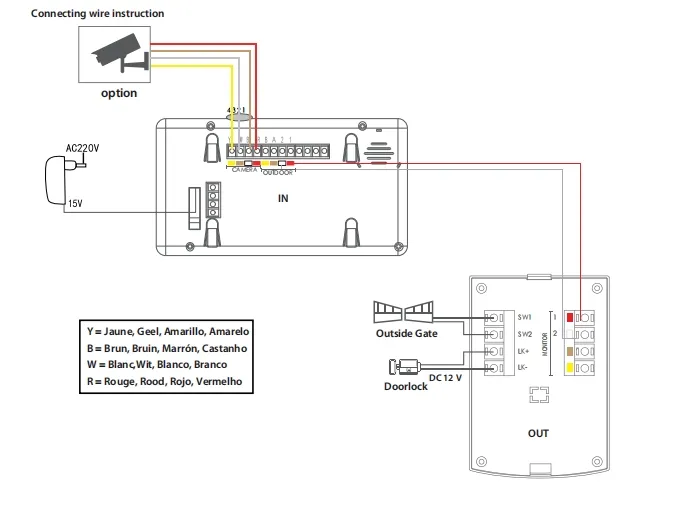
🔌 Wiring Diagrams
Wiring Diagram 1
Wiring Diagram 2
Wiring Diagram 3
❓ Frequently Asked Questions
Which mobile app does this system support?
This IP Box is fully compatible with the Tuya APP, allowing you to control your video doorphone from your smartphone.
What is the maximum storage capacity for recording?
The system supports SD cards with a capacity of up to 128GB for storing photos and video recordings.
Can I communicate between different rooms in my house?
Yes, the device supports an internal intercom function, allowing you to call and talk between multiple indoor units.
Is it possible to silence the doorbell at night?
Absolutely. You can activate "Silent Mode" with a single tap, which prevents the indoor unit from ringing when someone is at the door.
Can I unlock both a front door and a driveway gate?
Yes, the interface provides separate controls for "Unlock the Door" and "Unlock the Gate," giving you full access control.
How long does the intercom stay active?
The two-way intercom between indoor and outdoor units can last up to 120 seconds, while internal calls last up to 90 seconds.

Related Products